View VLAN Configuration Issued by OLT:
Bash
tc filter show dev eth0_0 ingress
View Counters (MAC1 for PON port, MAC4 for LAN port):
Bash
switch_cli xgmac "" get rmon
switch_cli xgmac "" clear_rmon
pon eth_rx_counters_get 1024
pon eth_tx_counters_get 1024
Capture OMCI Data Packets:
Bash
tcpdump -i gem-omci -w
To view captured OMCI data packets:
Bash
tcpdump -r
To export data packets:
Bash
tftp 192.168.1.2 -l OMCI_data -p
Modify LOID/LOID_PW Registration:
Bash
uci set omci.default.loid='your_loid_name'
uci set omci.default.lpwd='your_loid_password'
uci commit sync
Example:
Bash
uci set omci.default.loid=sadasfgqwqwd uci set omci.default.lpwd=hgdgfshdfsdas uci commit sync
IP Address: 192.168.1.1
Username: root
Password: (No password required)
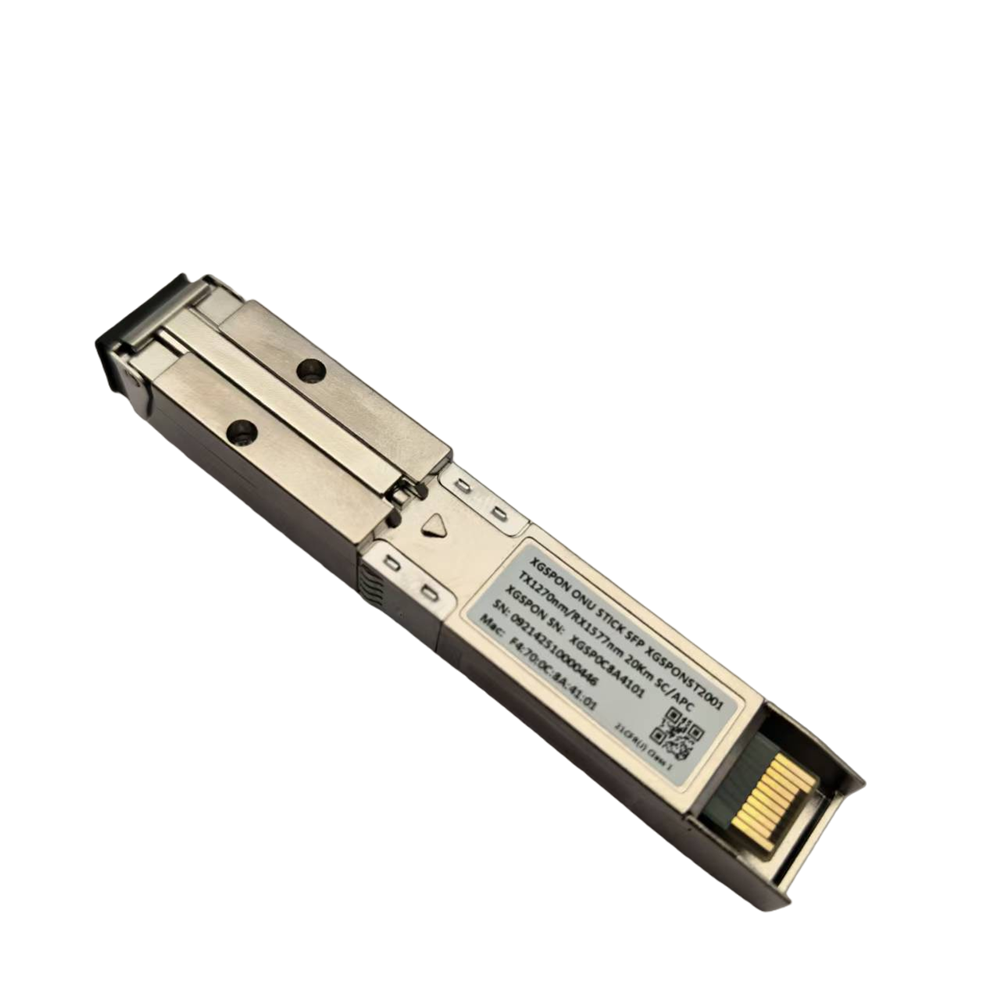
Insert the XGS-PON ONU SFP+ Stick into the optical port of your switch or router.
Verify connectivity by pinging the module. The IP address of the module is 192.168.1.1.
Installation:
SSH Login ( Telnet is not supported ) :
Main Operation Commands:
Access the ONU: IP Address: 192.168.11.1, Web Username: admin, SSH Username: root (No password for web/SSH access)
PON Mode: The current firmware supports switching between XGS-PON and XG-PON modes (GPON and EPON support pending firmware update)
OMCI Masking: Includes Vendor ID, Equipment ID, Hardware Version, Software Versions A & B, OMCC Version, MIB File (For Huawei OLT, select /etc/mibs/prx300_1U.ini). *If you are unsure about the specific configuration, it is strongly recommended not to modify these settings as it may cause the device to become inaccessible.*If you need to make changes, we strongly suggest first flashing the 8311-community version U-boot. If the device becomes a soft brick, it can be recovered using the U-boot recovery process.
Authentication Configuration: LOID, SN, SN + Password, SN + Password + MAC
The value entered in the Password (Ploam Password/Registration ID) field must be in hexadecimal format, which can be converted using an online ASCII to Hex converter, e.g., ASCII and Hex converter, contact us if you need this converter.

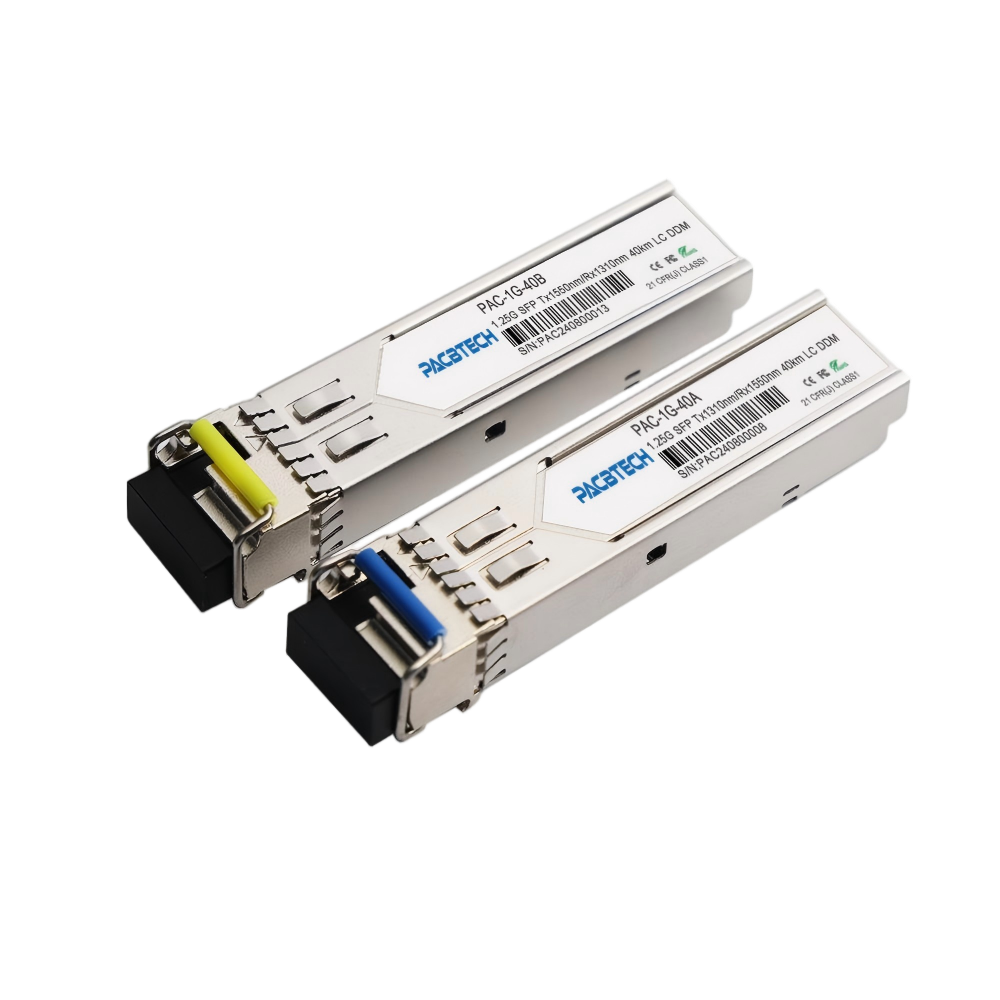 SFP Transceiver1.25G/2.5G BIDI SFP 1.25G/2.5G SFP Dual 1.25G/2.5G Copper SFP 1.25G/2.5G CWDM SFP 1.25G DWDM SFP
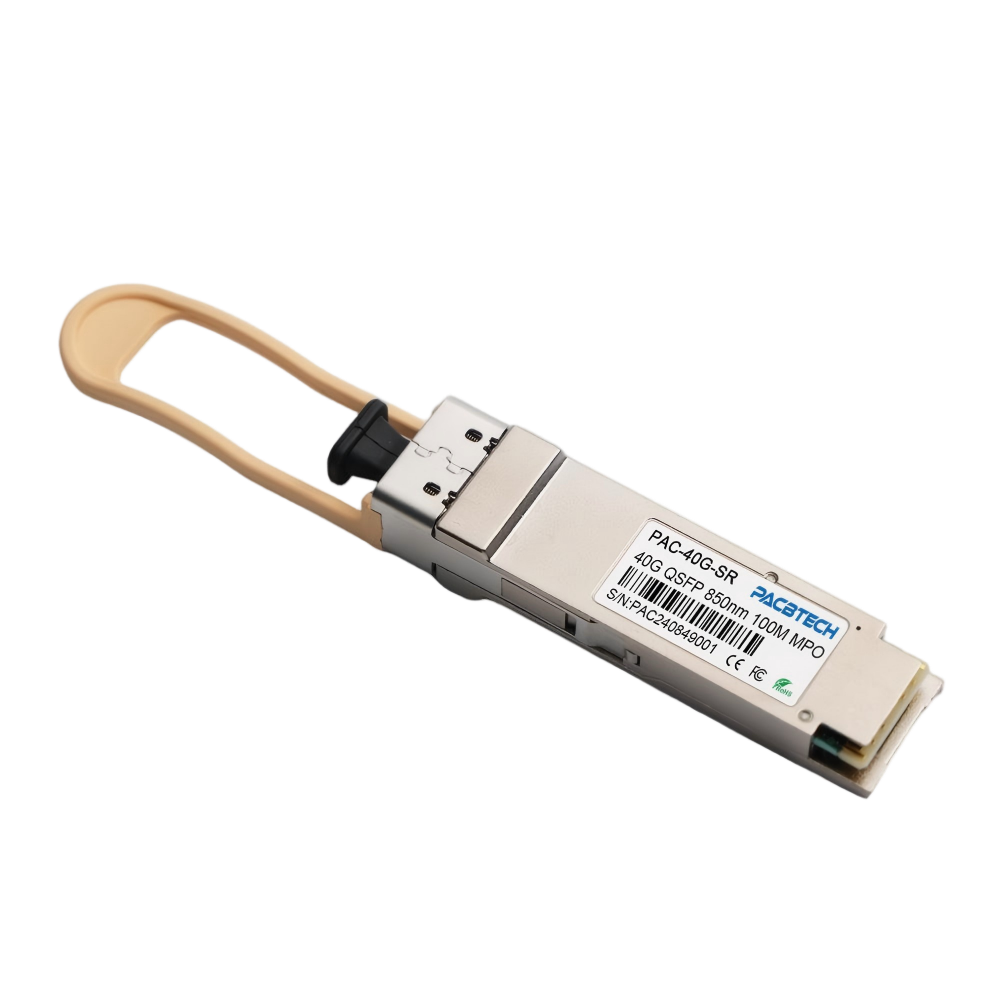 40G QSFP Transceiver40G QSFP SR4 40G QSFP+ LR4 40G QSFP ER4 40G QSFP ZR4 40G QSFP PSM4 40G QSFP SRBD
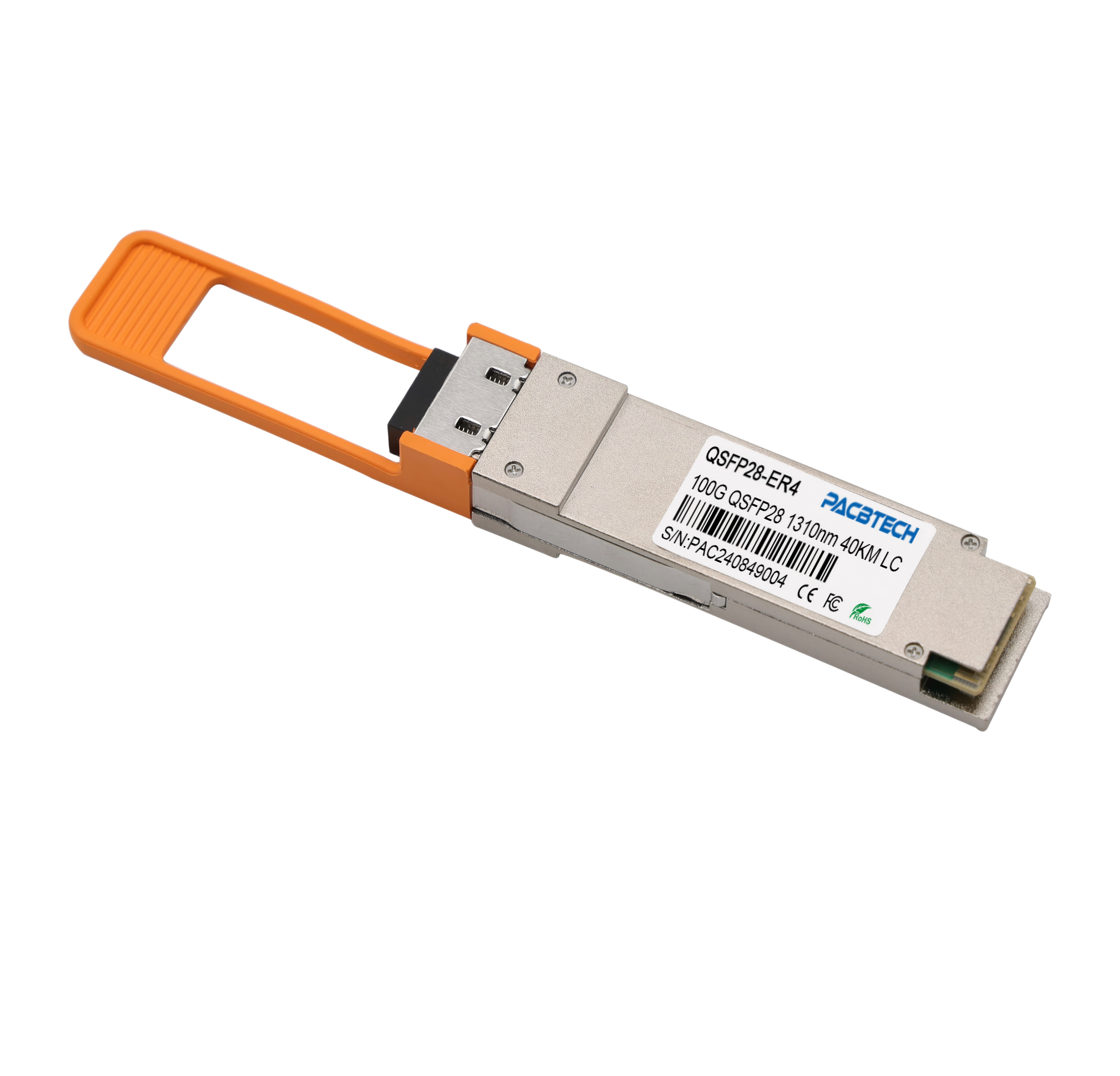 100G QSFP28 Transceiver100G QSFP28 SR4 100G QSFP28 LR4 100G QSFP28 ER4 100G QSFP28 ZR4 100G Single Lambda Series 100G to 25G CVR